
Google Docs vs. Microsoft Word Online: Choosing the Right Tool for Your Work Style

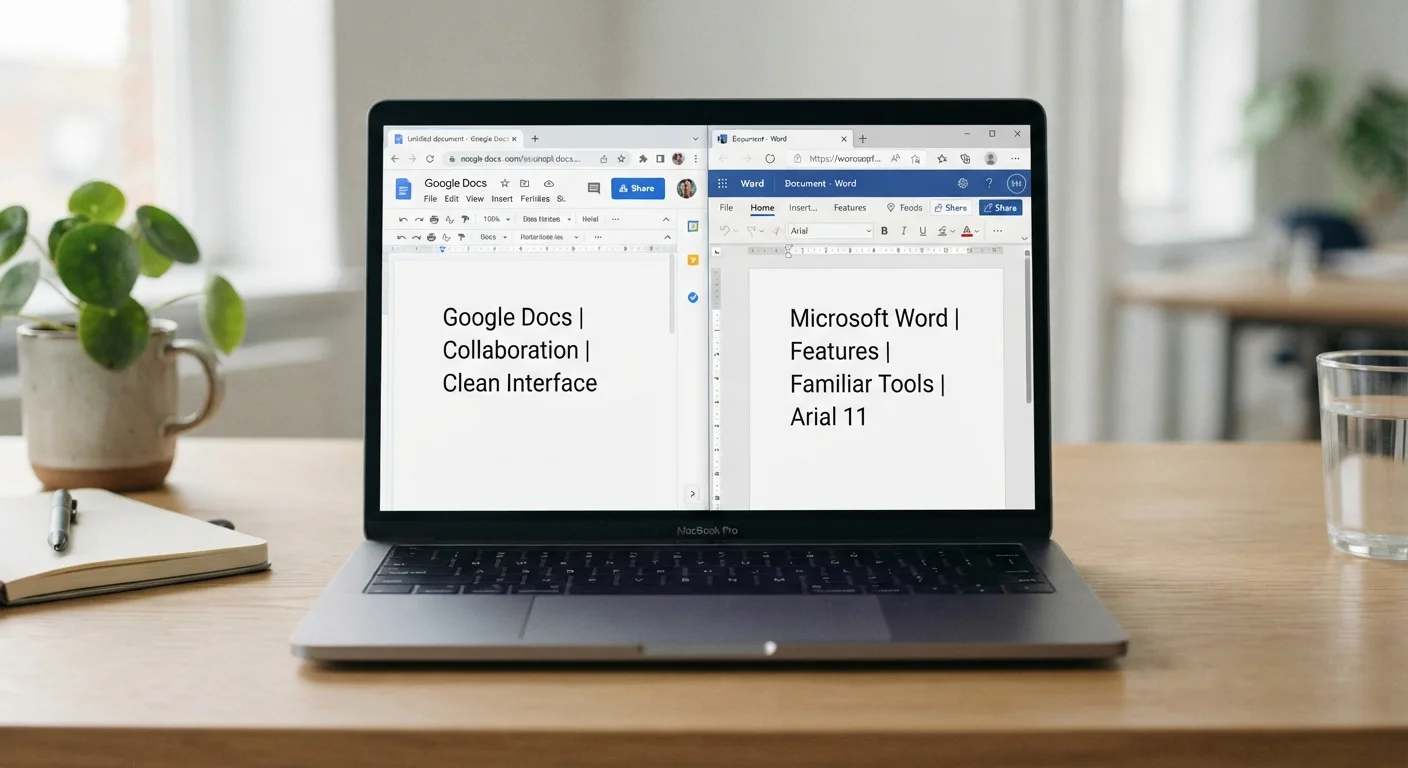
Key Takeaways
- Google Docs autosaves to Google Drive and requires no software installation.
- Word Online is the free browser version of Microsoft Word, but advanced features require a paid Microsoft 365 subscription.
- Google Docs handles real-time multi-user editing more smoothly than Word Online.
- Word Online preserves complex formatting in .docx files better than Google Docs when sharing with desktop Word users.
- Both tools work offline, but Google Docs offline mode is easier to set up.
- Your existing file ecosystem matters as much as the tools themselves.
Option A
Google Docs
The browser-first word processor built around real-time collaboration.
Best for: Anyone who shares and edits documents with others frequently, or works across multiple devices without a fixed desktop setup.
Option B
Microsoft Word Online
The web version of the most widely used word processor in the world.
Best for: Anyone already in the Microsoft 365 ecosystem who needs occasional online access to familiar Word formatting and files.
If you collaborate with a team in real time
Google Docs
Google Docs shows every collaborator's cursor, supports simultaneous editing without conflicts, and requires no account upgrade to share with others.
If your workplace standardizes on Microsoft Office
Microsoft Word Online
Word Online keeps .docx files intact and integrates with SharePoint, Teams, and OneDrive without conversion steps.
If you need advanced formatting for professional documents
Microsoft Word Online
Word Online supports styles, tracked changes, and layout options that closely match the desktop application, which matters for formal reports or legal documents.
If you work across devices including Chromebooks or non-Windows hardware
Google Docs
Google Docs runs equally well in any modern browser on any operating system, with no performance difference between platforms.
What each tool actually is
Google Docs is a web-based word processor included with a free Google account. It stores documents in Google Drive and runs entirely in a browser. Microsoft Word Online is the browser-based version of Microsoft Word, available free with a Microsoft account, with files stored in OneDrive. Neither requires software installation.
The distinction worth understanding upfront: Google Docs is a native web application designed from the start for the browser. Word Online is a web port of a desktop application, which means it inherits some of that application's strengths and limitations. That origin shapes nearly every difference between them.
Collaboration and sharing
Sharing outside your organization
Google Docs lets you share with anyone who has a Google account, or via a public link with no account required. Word Online sharing works best when all parties have Microsoft accounts. If you frequently send documents to people outside a set organization, this can affect which tool causes less friction.
Google Docs was built around shared editing. Multiple people can write in the same document simultaneously, see each other's changes in real time, and leave comments that link to specific text. Sharing a document requires only sending a link, and permission levels (viewer, commenter, editor) take seconds to set.
Word Online supports co-authoring, but the experience is less fluid. Changes from other users appear with a slight delay, and some formatting operations can cause conflicts when two people edit the same area. Sharing through OneDrive works well within a Microsoft 365 organization, but coordinating with people outside that environment adds friction.
For teams that edit documents together regularly, this difference is noticeable in daily use.
Offline access
Both tools can work without an internet connection, but the setup differs. Google Docs offline mode requires the Google Docs Offline Chrome extension and must be enabled before you lose connectivity. Once configured, it works well: edits sync automatically when you reconnect.
Word Online's offline behavior depends on your browser's caching and is less predictable. If you routinely work in areas with unreliable internet, the desktop Microsoft Word application is a more reliable choice than either web version. For occasional offline use, Google Docs offline mode is the more straightforward option of the two.
File compatibility and formatting
| Criterion | Google Docs | Microsoft Word Online |
|---|---|---|
| Real-time collaboration | Smooth, cursor-visible co-editing | Supported, but with slight delays |
| Offline editing | Yes, via Chrome extension setup | Limited, browser-dependent |
| Free storage | 15 GB (Docs don't count against limit) | 5 GB (files count against limit) |
| .docx file fidelity | Converts on import; some drift | Native format, high fidelity |
| Platform compatibility | Any modern browser, any OS | Any modern browser, any OS |
| Advanced formatting tools | Adequate for most documents | Closer to desktop Word capabilities |
Word Online handles .docx files with high fidelity. If someone sends you a Word document with complex tables, tracked changes, or custom styles, Word Online renders it accurately and saves changes back to the same format without conversion. Google Docs can open .docx files, but it converts them to its own format internally, which can shift spacing, break certain styles, or alter tracked changes.
If your documents regularly move between you and people using desktop Word, Word Online avoids the formatting drift that can happen with Google Docs. For documents that live entirely within Google's ecosystem, this is a non-issue. The question is who else needs to open the file.
For a broader look at whether a digital-first workflow suits how your brain works, this comparison of analog and digital organization systems covers the tradeoffs clearly.
Storage and cost
A free Google account includes 15 GB of storage shared across Gmail, Drive, and Photos. Google Docs files themselves do not count against that storage limit, which is a practical advantage if you create many documents. A free Microsoft account includes 5 GB of OneDrive storage, and Word Online files do count against it.
Full Microsoft 365 Personal starts at a paid annual subscription and unlocks the desktop Word application along with expanded storage. Google's paid tiers (Google One) expand storage but are not required to use Docs with full functionality. For users who want a capable word processor at no cost, Google Docs has a wider feature set available without payment.