

Our Verdict
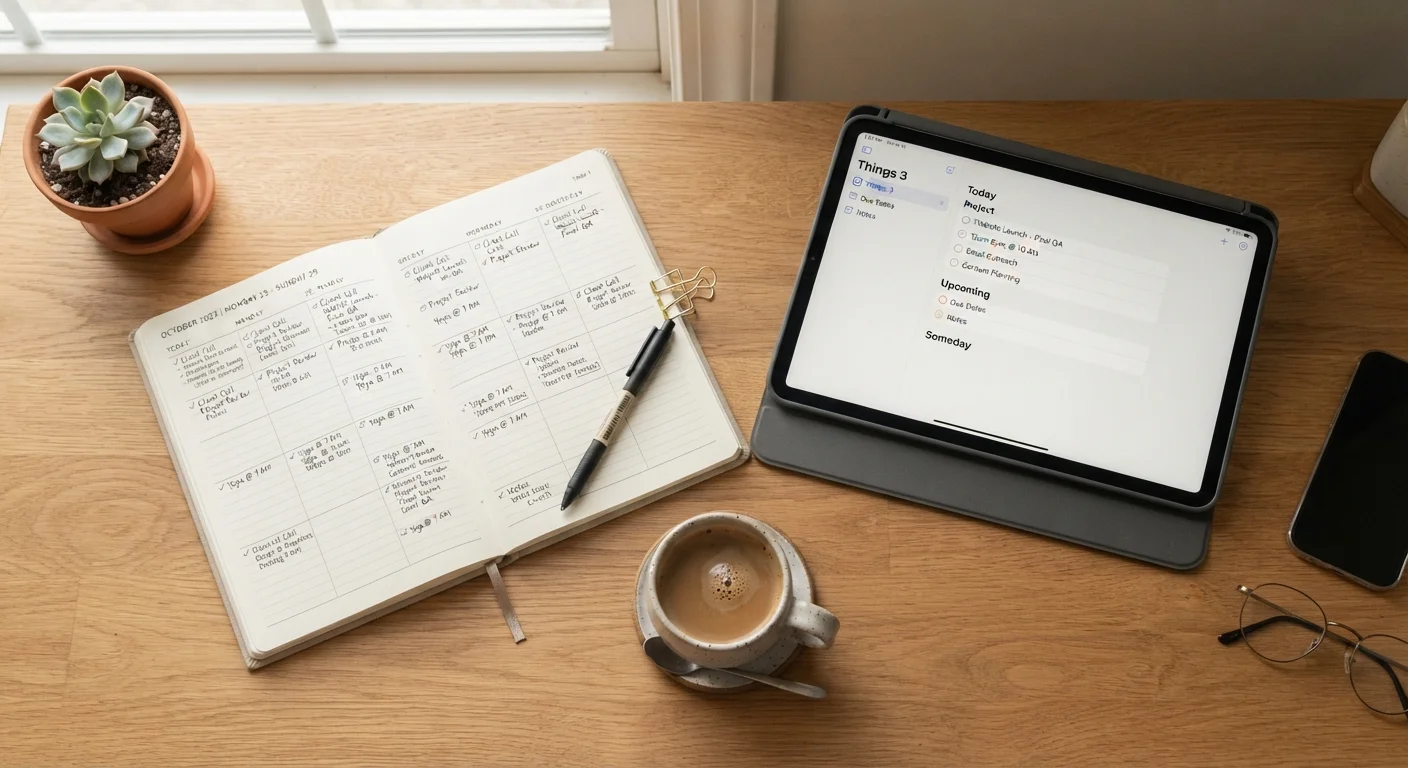
Analog and digital organization systems each have real strengths that serve different working styles. The better question is not which type is superior, but which format you will actually return to consistently. Matching the system to your habits, not your aspirations, is what determines whether it holds.
| Best for | Recommended |
|---|---|
| People who retain information better when writing by hand | Analog (paper planner or notebook) |
| People managing tasks across multiple locations or devices | Digital (task app or cloud calendar) |
| People who need both daily capture and long-term searchable records | Hybrid system |
| People whose organization keeps breaking down despite trying multiple apps | Analog (paper planner or whiteboard) |
Why your system keeps failing
Most people who struggle with organization have tried more than one system. They have downloaded apps, bought planners, set up spreadsheets, and eventually abandoned all of them. The problem is rarely a lack of willpower. It is usually a mismatch between the format and how that person actually thinks and works.
Before you start organizing, it helps to understand what you need from a system. Do you need to capture information quickly and find it later? Do you need a visible reminder that stays in your physical space? Do you share tasks with other people? The answers point toward a format before you pick any specific tool.
What analog systems do well
Analog systems include paper planners, bullet journals, index cards, whiteboards, and printed calendars. Their primary advantage is that writing by hand slows down processing in a way that tends to improve retention. Research in cognitive psychology has consistently found that handwriting activates more of the brain's encoding processes than typing does, which is why many people remember things they wrote down even without referring back to the page.
Paper also has no notifications, no software updates, and no login friction. You open it and it is there. For people who find digital interfaces distracting or who work in environments where screens are already constant, a paper system can reduce cognitive load rather than add to it.
The limitations are real. Paper does not search. If you wrote a phone number in a notebook three months ago, finding it takes time. Paper does not sync across locations, and it can be lost or damaged. It also requires physical space, which matters in small homes.
What digital systems do well
Digital systems, including task apps, cloud calendars, note-taking software, and spreadsheets, are built for flexibility and retrieval. A well-structured digital filing system lets you find a document in seconds regardless of when you created it. You can access the same list from your phone, laptop, or a shared device. You can set reminders, assign recurring tasks, and share lists with a partner or housemate without printing anything.
For people managing complex households, work schedules, or travel, digital tools offer a level of coordination that paper cannot match. A well-configured calendar app can hold far more context than a paper grid and can alert you before something slips.
The friction point for digital systems is setup and maintenance. A task app that is not configured in a way that fits your workflow will collect tasks you never review, which is its own kind of clutter. Most task apps fail not because of the software but because of how they were set up initially.
| Analog | Digital | |
|---|---|---|
| Retention when writing | High: handwriting supports encoding | Lower: typing is faster but less memorable |
| Search and retrieval | Slow: requires manual scanning | Fast: keyword search across all content |
| Portability | Physical item required | Accessible on any synced device |
| Sharing with others | Requires physical proximity or copying | Easy to share and collaborate in real time |
| Setup friction | Minimal: open and write | Varies: configuration affects usability |
| Distraction risk | Very low: no notifications | Moderate to high: depends on device habits |
| Durability | Can be lost, damaged, or misplaced | Backed up automatically if cloud-based |
How to identify which format fits you
A few honest questions help narrow this down. First, think about where your organization has broken down before. If you stopped using a planner because you forgot to carry it, that is a portability problem that digital solves. If you stopped using an app because opening it felt like work, that is an interface friction problem that analog often solves.
Second, consider how you process information spatially. Some people think in lists; others think in pages or visual maps. A whiteboard works differently from a phone app even if both hold the same information. People who find themselves drawing arrows, circling items, or reorganizing their notes visually often do better with physical formats.
Third, consider who else is involved. If you are organizing tasks that affect other people in your household or workplace, a shared digital system usually causes less friction than a paper system that only you can see or update.
Different note-taking approaches suit different habits, and the same logic applies to organization broadly. The goal is a system you return to without being prompted, because it is genuinely easier than not using it.
Making a hybrid approach work
Many people find that one format handles daily capture well while another handles long-term reference. A common pattern is using a paper notebook or index cards for immediate tasks and thinking, then transferring anything that needs to be retained or shared into a digital system. This is not inefficiency; it is using each format for what it does best.
The risk with hybrid systems is maintaining two systems instead of one unified one. If your paper notes never make it into your digital archive, or if your digital calendar never gets checked, you have added complexity without benefit. A hybrid system only works if you define clearly which information lives where and why.
For home organization specifically, a physical whiteboard in a shared space can coordinate household tasks more reliably than an app that not everyone opens. Physical organization approaches in your home often benefit from visible, in-space systems that digital tools cannot replicate.