
Key Takeaways
- A password manager stores credentials in an encrypted vault that only you can unlock.
- Generated passwords are longer and more random than most people create on their own.
- Zero-knowledge design means the service cannot see your stored passwords.
- Using one strong master password is more secure than reusing weak passwords across sites.
- Password managers work across devices and browsers, keeping logins consistent everywhere.
Password manager
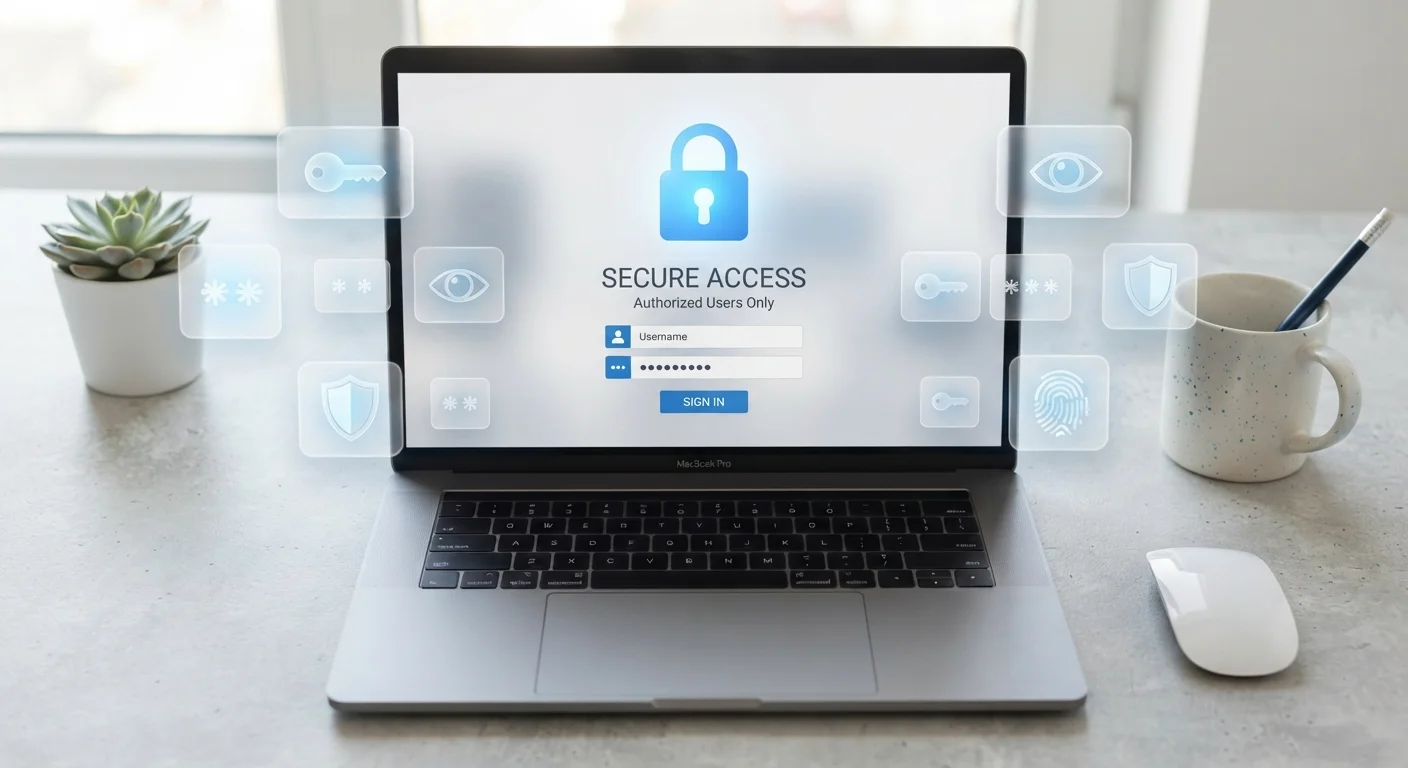
A password manager is an app or browser tool that stores all your login credentials in one encrypted vault. You unlock that vault with a single master password, and the app fills in usernames and passwords for you automatically. It can also generate long, random passwords that are far harder to crack than anything a person would invent.
Most password managers use AES-256 encryption combined with a zero-knowledge architecture, meaning the service provider cannot read your stored passwords even if its servers are accessed.
What a password manager actually does
A password manager has two jobs: store credentials securely and fill them in when you need them. When you create an account on a website, the manager offers to save the username and password. Next time you visit, it recognizes the site and fills in the fields automatically. You never have to type or remember that password again.
The storage itself is a vault protected by encryption. The only way to open it is your master password, which you set once and remember. Everything inside is scrambled in a way that only that master password can unscramble. If someone gets a copy of the vault file, it is unreadable without your key.
Beyond storage, most managers include a password generator. When you need to create a new account, the tool produces something like k7#Lp2vXmQ9wR!48 rather than a word you'd remember. Passwords like that are practically impossible to guess or brute-force, and because the manager stores it for you, you never need to memorize it.
Why security professionals recommend them
The most common way accounts get compromised is not through sophisticated hacking but through credential stuffing. An attacker takes a list of username-password pairs leaked from one breached site and tries them on banks, email services, and social media. If you reuse passwords, a breach at a low-security forum can open your email inbox.
A password manager breaks that pattern. Every account gets a unique password, so one breach cannot cascade. The National Institute of Standards and Technology (NIST) has published guidance since 2017 recommending long, unique passwords over periodic forced resets, a position that assumes most people will need tools to manage complexity at that scale.
Pair your manager with two-factor authentication
Enable two-factor authentication on any account that supports it, especially email and financial accounts. If an attacker somehow gets your password, 2FA requires a second step that only you can complete. Most password managers make it easy to see which of your accounts support 2FA so you can enable it systematically.
Two-factor authentication (2FA) adds another layer on top of any password. Many password managers can also store your 2FA codes, or you can keep them in a separate authenticator app. Either way, 2FA means a stolen password alone cannot unlock an account.
For further context on how browser-based tools interact with your security setup, see how browser extensions affect your privacy and security.
How the zero-knowledge model works
Most reputable password managers use a zero-knowledge architecture. Your master password is processed on your device using a key-derivation function, which turns it into an encryption key. That key unlocks your vault locally. The master password itself and the decrypted vault contents never travel to the company's servers.
This matters because it means the company cannot read your passwords even if an employee wanted to, and an attacker who breaches the company's servers gets only encrypted data. The weak point in any zero-knowledge system is the master password itself. A short or guessable master password undermines the whole design.
A good master password is a passphrase: four or five unrelated words strung together, long enough to resist guessing but memorable enough that you don't need to write it down. Length matters more than complexity for a password you have to remember yourself.
Getting organized beyond passwords
Many password managers also store secure notes, payment card numbers, and passport details. This makes them useful for travel: your booking confirmation numbers, frequent flyer IDs, and hotel loyalty logins are all in one place. Pairing this with a broader approach to document organization can reduce the scramble before a trip. See practical ways to keep travel documents organized for a method that covers physical and digital records together.
For your general digital files, a password manager handles credentials while a separate filing system handles documents. Building a simple digital filing system covers how to structure folders and naming conventions so everything is findable without special software. The two tools complement each other: one protects access, the other organizes content.