

Key Takeaways
- Carry physical and digital copies of every critical document so a lost wallet does not strand you.
- Group documents by trip phase so you retrieve only what you need at each checkpoint.
- Store digital copies in an encrypted, cloud-accessible location you can reach without your phone.
- Passport validity rules vary by country; confirm requirements before you pack.
- Insurance cards and emergency contacts deserve as much preparation as your boarding pass.
Why document organization matters more than you think
Most travel stress does not come from the destination. It comes from standing at a border crossing, gate, or hotel desk unable to produce a specific piece of paper on short notice. Boarding passes, entry forms, passport data pages, travel insurance cards, hotel confirmations, and car rental agreements all have a moment when they must appear quickly. An organizational system set up before departure makes each of those moments routine instead of frantic.
The volume of documents a single trip generates surprises many travelers. A one-week international trip can involve a passport, a visa or entry authorization, two or more boarding passes, a hotel confirmation, a travel insurance certificate, a rental agreement, a vaccination record, and a return ticket proof. Without a deliberate structure, those documents scatter across email inboxes, camera bags, and coat pockets.
Group documents by trip phase, not by document type
Sorting by phase (outbound transit, accommodation, return) means you only access what is relevant at each moment. Sorting by type (all IDs together, all confirmations together) forces you to search across categories under pressure.
Carry physical copies of critical IDs separate from the originals
If your travel wallet is lost or stolen, having a photocopy of your passport data page in a different bag gives immigration authorities and consular staff enough information to begin verifying your identity. This step does not replace the original but it significantly speeds up recovery.
Store digital backups in a browser-accessible cloud folder, downloaded for offline use
A scan saved only on your phone is inaccessible if the phone is lost, damaged, or out of battery. A cloud folder you can open from any hotel computer or borrowed device stays reachable regardless of what happens to your hardware.
Include your travel insurance details in the same organizer as your flight documents
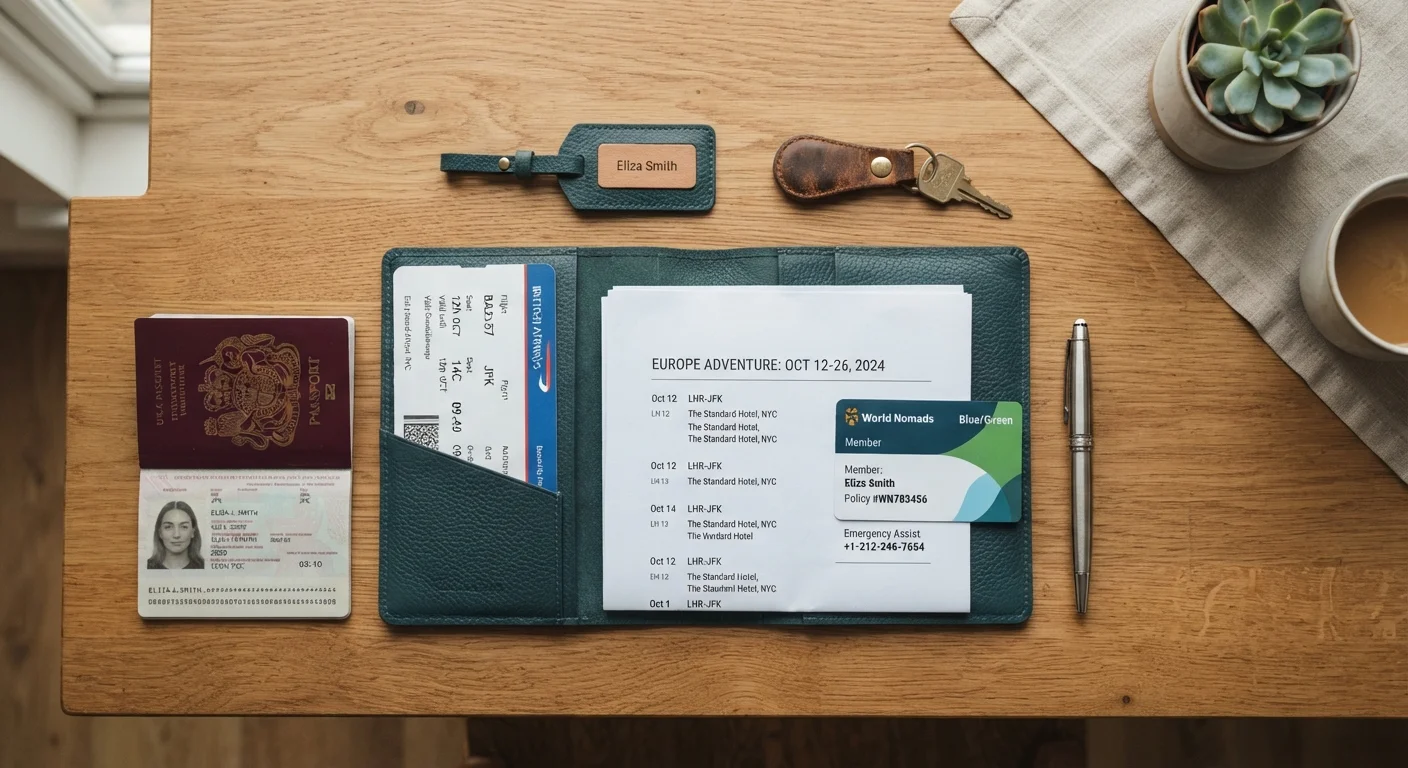
Insurance information is needed most urgently during stressful moments when searching is difficult. Placing the policy number, covered event summary, and emergency contact line alongside your boarding pass means you find it without hunting.
Leave a document set with a trusted contact at home
A home contact with your passport scan, itinerary, and insurance details can assist consulates, family members, or emergency contacts without needing you to transmit files under difficult conditions abroad.
Building your system before you leave home
Preparation done at home is far easier than recovery done on the road. The on the road phase rewards travelers who arrive with every document already sorted and accessible.
Begin by listing every document the trip requires, then assign each one to a phase: pre-departure, outbound transit, accommodation, activities, and return transit. This phase-based grouping means you pull only the folder or screen relevant to your current moment rather than rifling through everything at once.
Physical documents belong in a dedicated travel organizer, not mixed with everyday wallet contents. Within that organizer, sequence documents in the order you will use them: outbound boarding passes at the front, passport behind them, hotel confirmation after that. When you clear customs, move the entry paperwork to the back so it is archived but not lost.
For digital organization, a cloud folder with clear subfolder names ("Flights", "Accommodation", "Insurance", "IDs") lets you retrieve a file quickly even if your phone battery is low or your device is offline because you downloaded the folder beforehand. The simple digital filing system approach works equally well for travel files as for home paperwork.
The copy strategy that protects you when things go wrong
Losing a passport abroad is a serious situation, but travelers who carried photocopies and digital scans resolve it far faster than those who did not. Make two physical copies of your passport photo page, visa, travel insurance certificate, and the first page of your itinerary. Leave one set with a trusted contact at home. Carry the second set in a separate bag from your originals.
Digital copies require a bit more thought to be genuinely useful. A photo saved only on your phone disappears with the phone. Store scans in a cloud service you can access from any browser, and write the login credentials somewhere that does not require the missing device to read. If you use a password manager for those credentials, confirm you have an offline backup method. The password managers explained guide covers how to set up secure, accessible credential storage.
Travel insurance documentation often gets neglected until a claim is needed. Carry the policy number, the insurer's emergency contact line, and a summary of covered events. Keeping this alongside your medical information is practical preparation, not pessimism. If you need a reference for what to bring for health emergencies abroad, managing a medical situation while traveling outlines the key documentation to have on hand.
Passport and entry document specifics
Passport validity rules catch travelers off guard more often than any other document issue. Many countries require six months of remaining validity beyond your travel dates, which means a passport that technically has not expired can still get you turned away. Before any international trip, verify the specific entry requirements for your destination through official government sources. The passport validity rules reference article breaks down how those rules generally work across different countries.
Entry authorization documents, such as an Electronic Travel Authorization or a visa approval email, should be printed and carried even when an official says they can be checked electronically. Border situations can involve system outages, and a printed backup removes that variable entirely.
If your trip involves checked luggage, photograph your bags and keep your airline confirmation accessible on your phone without requiring Wi-Fi. The lost luggage airline requirements timeline explains what documentation airlines typically request when baggage goes missing and when to have it ready.
A review of your insurance coverage before each major trip is worth the time. Policy numbers and emergency contacts belong in your travel organizer alongside flight documents, not buried in an email from months ago.