

Our Verdict
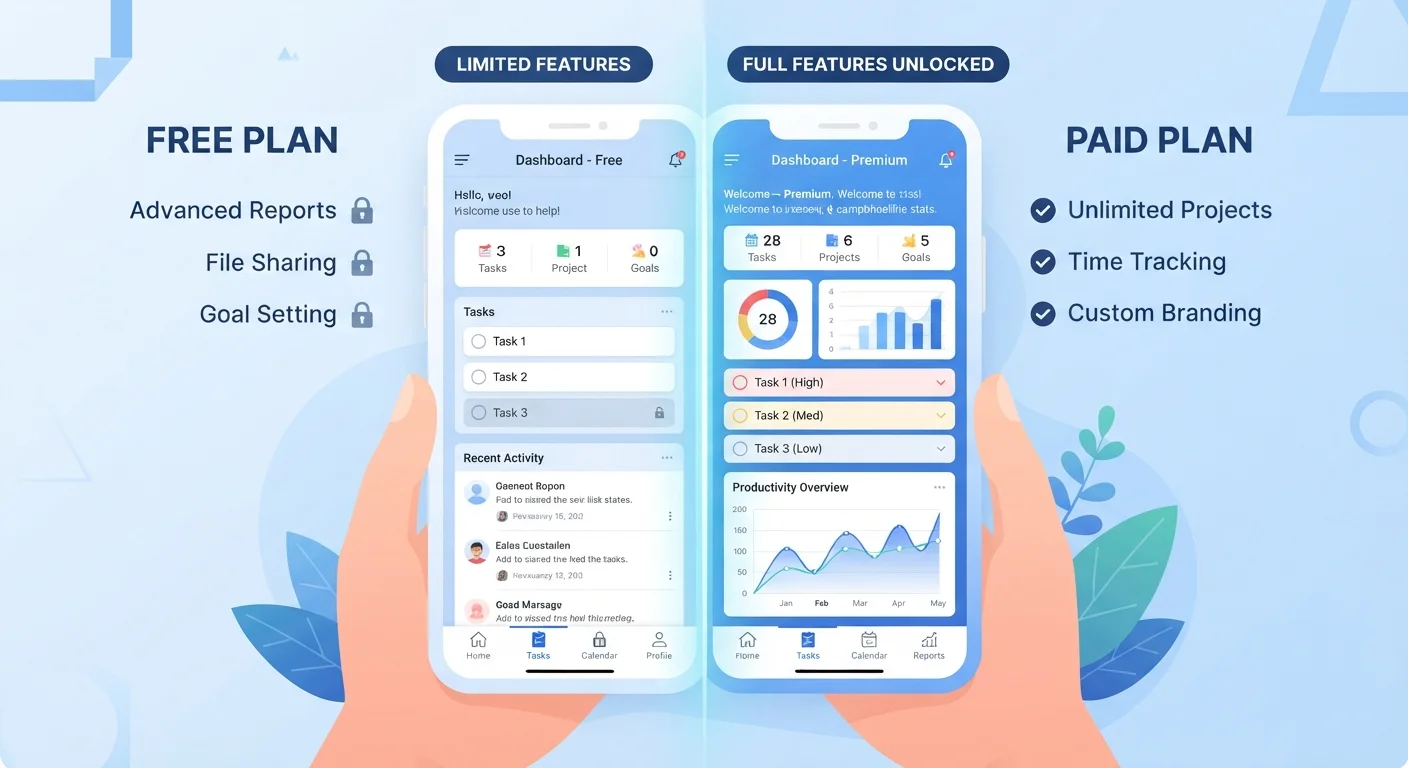
Free tiers work well for light or occasional use, but they are designed with limits that push frequent users toward paid plans. The decision comes down to whether the features locked behind a paywall match what you actually do in the app, not what sounds useful in a feature list.
| Best for | Recommended |
|---|---|
| Occasional or low-volume users who rarely hit feature limits | Free tier |
| Users who need data exports, automation, or cross-device sync regularly | Paid tier |
| Those who want an ad-free experience and faster support | Paid tier |
| Anyone testing an app before committing to a subscription | Free tier |
How freemium models are built
Most apps with free and paid tiers use a model called freemium. The free version is meant to be functional enough to attract users and build habit, while paid tiers unlock the features that make the app genuinely more powerful or convenient. Developers design this gap deliberately: the free tier is a long demo, not a permanent offering at the same level.
That design shows up in predictable ways. Free tiers commonly cap storage (a note-taking app might limit you to a certain number of notes or megabytes), restrict exports (you can use the data inside the app but cannot download it in useful formats), or disable automation and integrations that connect the app to other tools. Paid tiers tend to lift those caps and add collaboration features, priority customer support, and finer privacy controls.
| Feature area | Free tier | Paid tier | |
|---|---|---|---|
| Storage or item limits | Capped, often reached with regular use | Higher or unlimited | |
| Ads in the interface | Common | Usually removed | |
| Data export | Restricted or unavailable | Available in multiple formats | |
| Automation and integrations | Disabled or minimal | Enabled | |
| Offline access | Often unavailable on mobile | Typically included | |
| Customer support | Community forums or slow email queue | Priority or dedicated channel | |
| Collaboration | Single user or read-only sharing | Shared workspaces and editing | |
| Version history | Limited or none | Included, often with longer retention |
What free tiers usually include and cut
A free tier is not a stripped-down product in every case. Many apps keep their core loop intact on the free plan. A budgeting app might let you connect accounts and track spending at no cost. See how budgeting apps work and what to expect from them for a closer look at what that access involves.
The cuts tend to cluster in a few areas:
- Storage or item limits that become visible only after regular use
- Export and portability restrictions, meaning your data stays locked in the app
- Ads, which can appear in interface spaces that paid users see as clean
- Advanced search, history depth, or analytics features
- Offline access on mobile
One area that varies more than people expect is data handling. Some apps apply different data retention or advertising practices to free accounts. Before relying on any app for sensitive tasks, reading the privacy policy for both account types is worthwhile. Apps that request inbox access are one category where this difference can matter most.
What paid tiers add beyond removing limits
Paid plans do more than expand caps. They often add features that change how you use the app rather than just how much you can do with it. Automation is a common example: free users perform tasks manually, while paid users can set triggers that run without intervention. Collaboration tools, such as shared workspaces or comment threads, tend to appear only on paid plans. Version history, which lets you recover earlier states of a document or project, is another feature commonly paywalled.
Support access also shifts. Free users typically get community forums or email queues with slower response times. Paid users often reach a dedicated support channel. That difference is minor for casual use and significant when an app is part of a work process.
Test the upgrade with a short trial
Many paid apps offer a seven- or fourteen-day trial. Use it during a period of normal activity rather than a light week. The goal is to see whether the paid features change how you work, not just whether they are technically present. Cancel before the trial ends if the difference is not apparent in daily use.
How to tell if upgrading is worth it for you
The most reliable method is to track how often you hit the free tier's limits over two to four weeks of normal use. If you never bump into the cap, the free tier is doing its job. If you regularly work around a restriction, that friction has a cost worth measuring against the subscription price.
A few questions help frame the decision:
- Do you need your data in formats outside the app, such as CSV or PDF exports?
- Is the app part of a workflow where automation would save meaningful time?
- Are ads appearing in places that interrupt the task you are trying to complete?
- Will other people need access to the same data or project inside the app?
Dating apps are one category where the upgrade decision takes a specific shape. A realistic look at what dating apps can and cannot do covers what paid features in that category actually change about results versus what remains outside the app's control.
Before installing a new app at any tier, a quick check of its permissions and data practices saves time later. A practical checklist before installing any new app walks through what to review.